12 Apple Shortcuts you'll want to steal
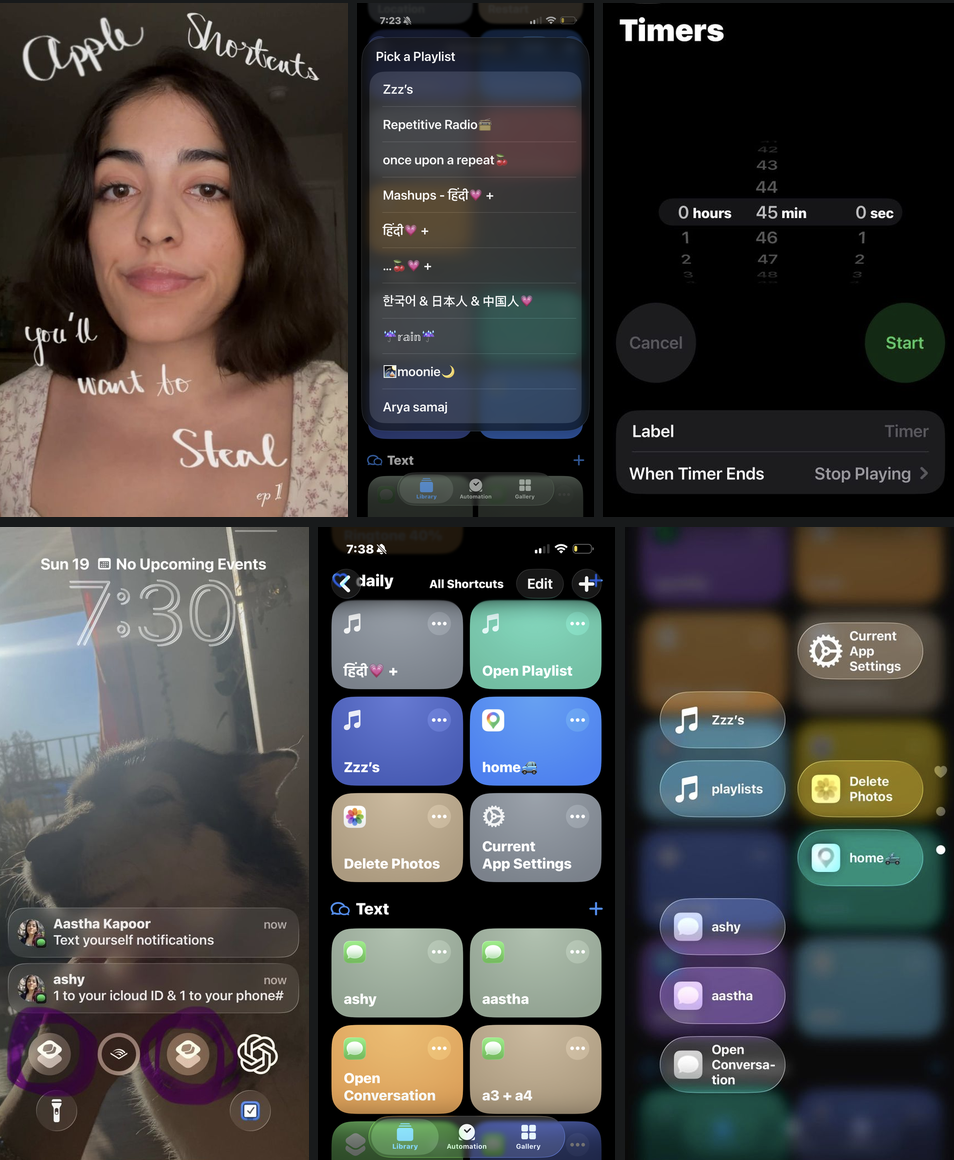
Direct links for you to ADD the shortcut to your device.
BEST USE add shortcuts to:
control center, homescreen, notification centre, widgets, action button, or back tap.
Links:
- Delete photos
- Open playlist
- Open Zzz sleep playlist with Stop Playing timer
- Text reminders to yourself, 1 texts to your icloud ID & 1 texts your phone number
- Open conversation in messages app
- Most Used Texting Chat — same shortcut link as open conversation, just don’t leave it blank this time. Add a specific contact or group chat.
- open Current App Settings
- open Location in settings to manually turn it off
- open directions to home 🚙
- open AI quickly — it already exists as a widget just search it and add it to you not notification center or control center
- Bedroom lamp toggle on/off [you'll need to buy a smart wall plug]
- log data in health app --I use it to log my period & my weight
🗞️
Bonus member content (free just subscribe via email):